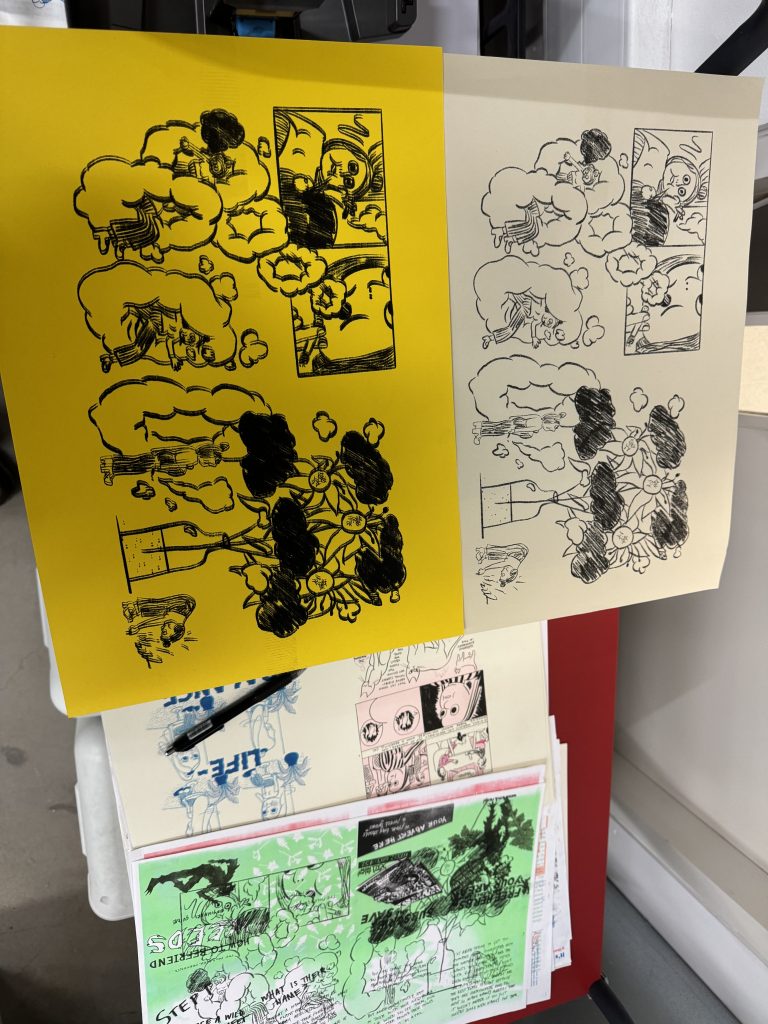
#week 01
tool:riso printer
copied:aisha franz
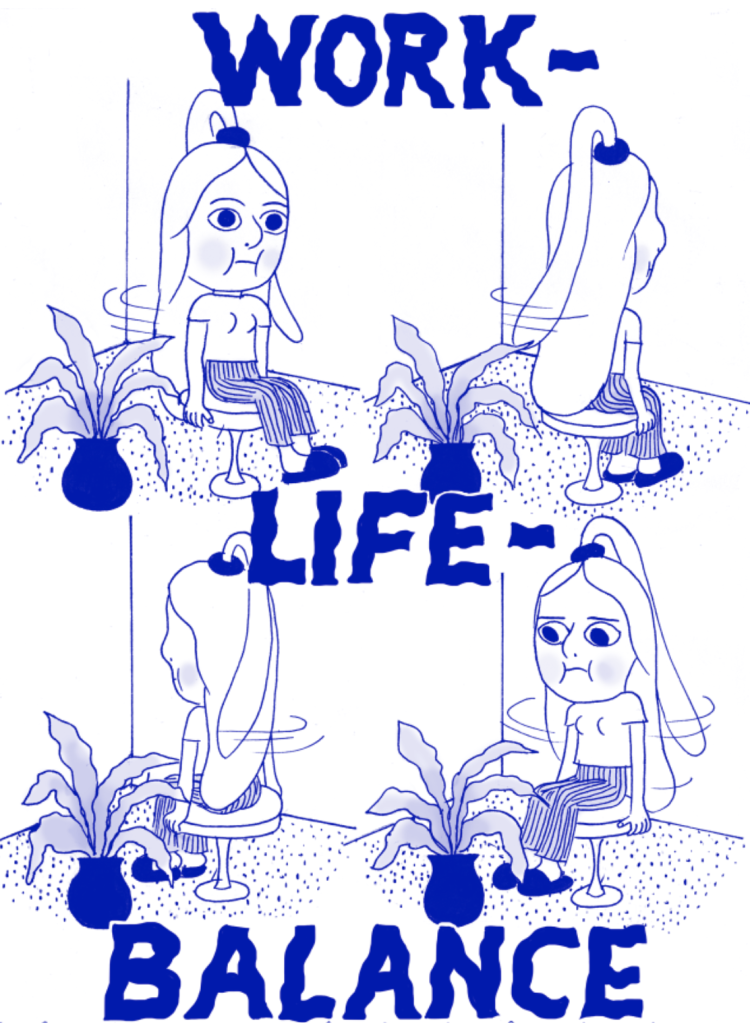
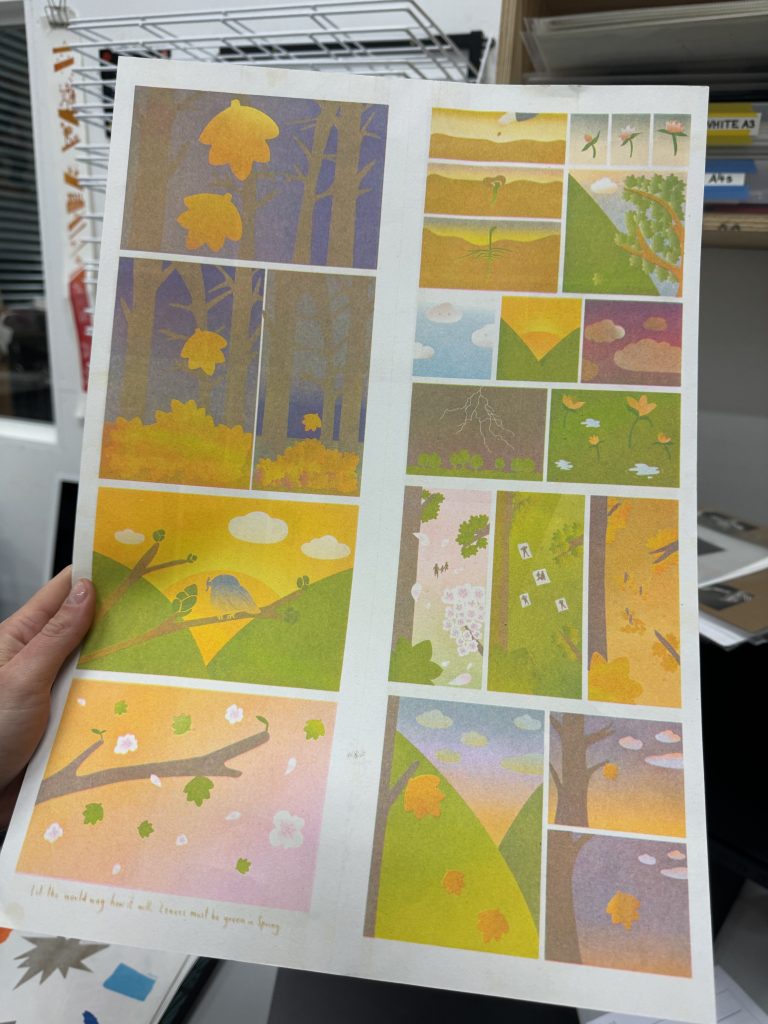
figure 1:work life balance,aisha franz
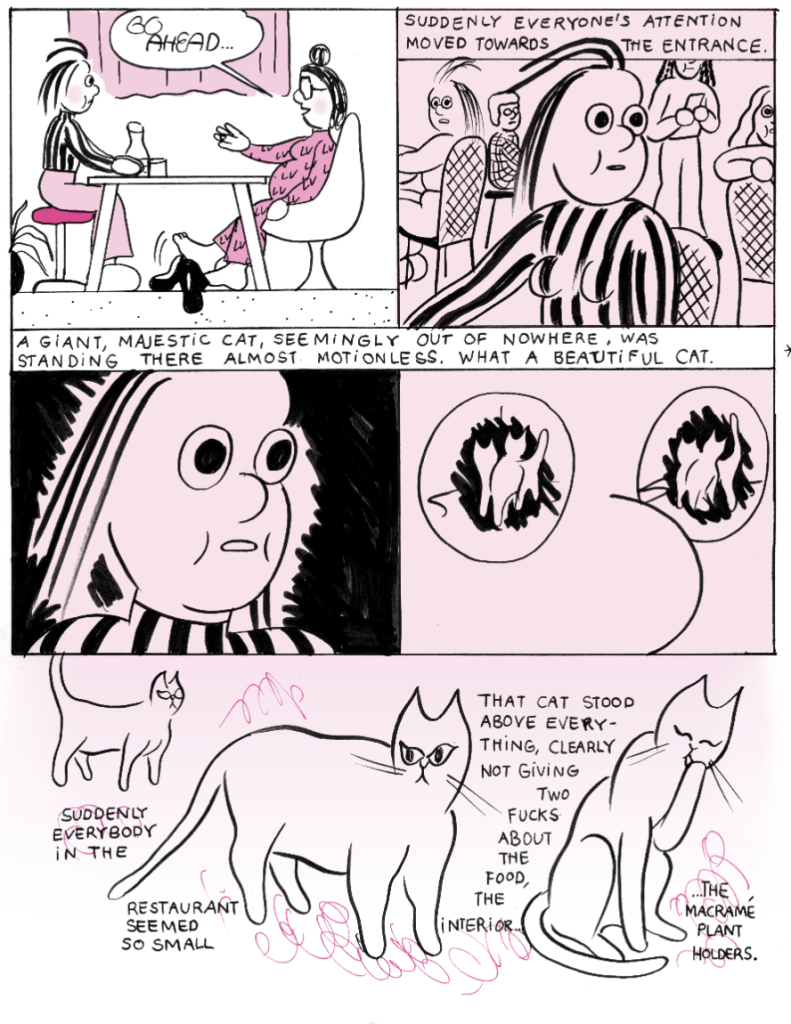
figure 2:work life balance,aisha franz
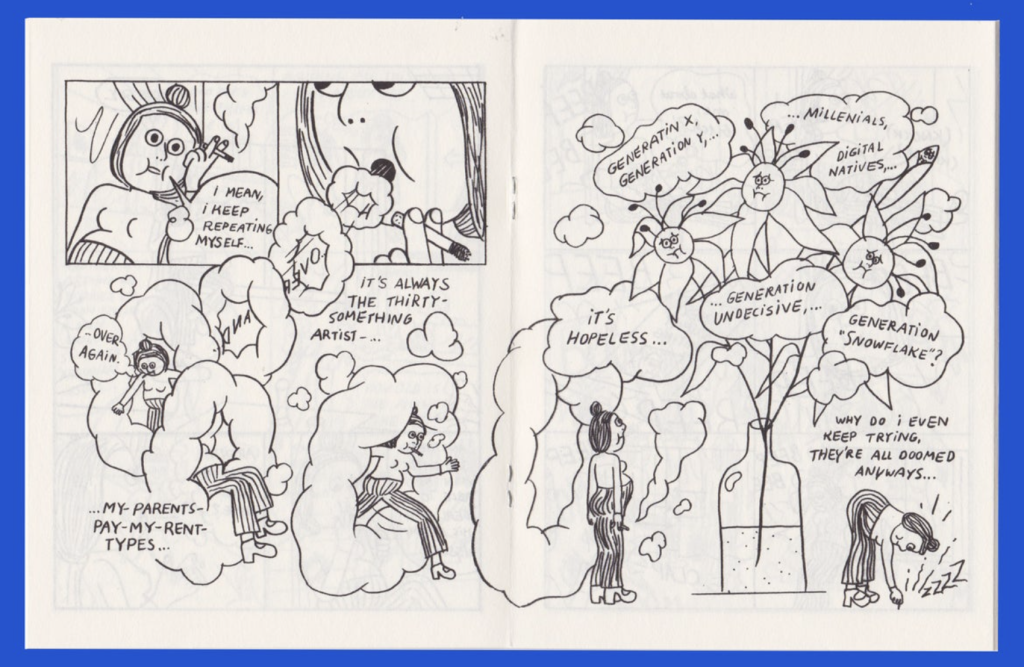
figure 3:work life balance,aisha franz
# copied process
- set digital riso ink in ‘spectrolite’
riso ink – pink,aqua,medium bule,black
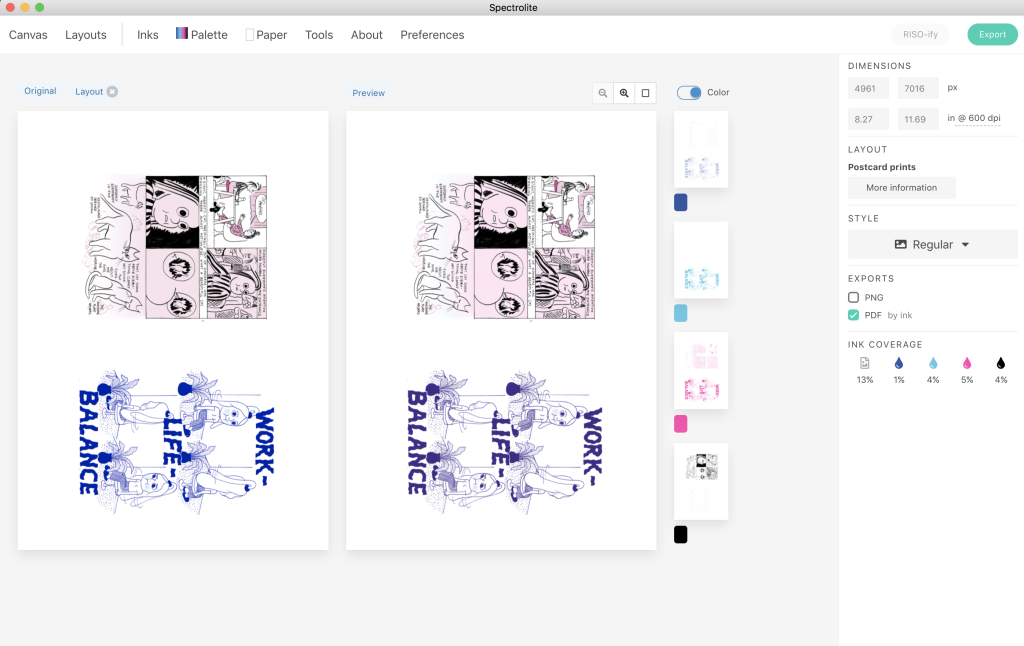
2. Input the digital version of the file into the machine to create a master of the different colour zones
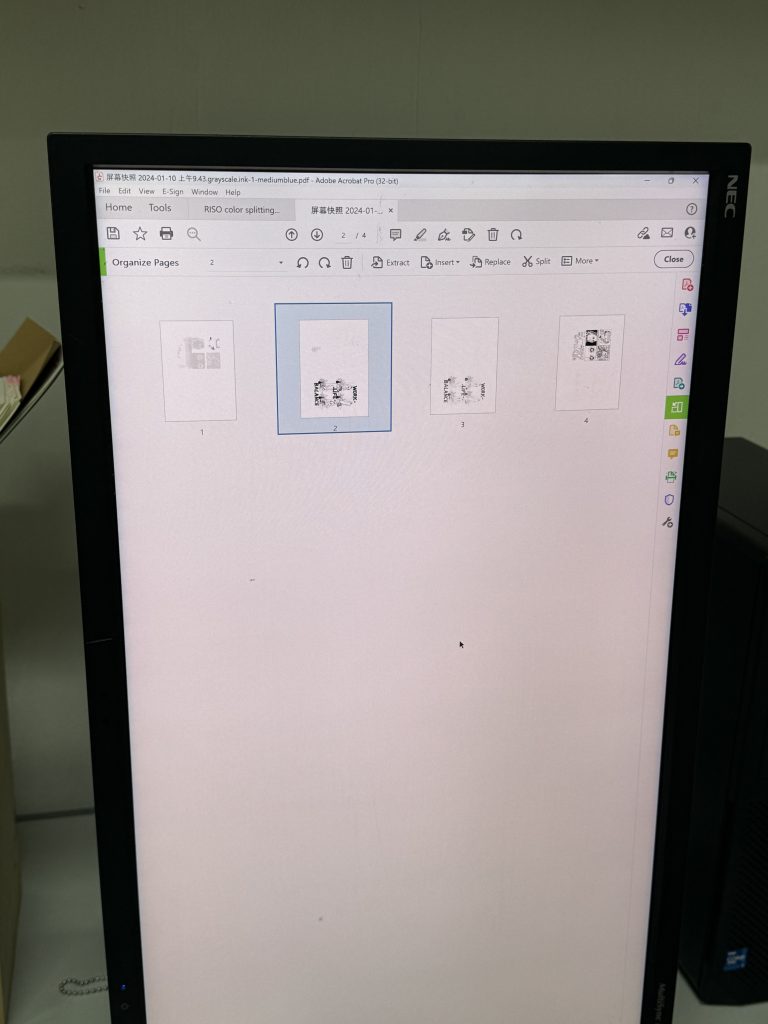
3. chose the screen print mode to print the block, and found out that in the case of a riso printer with multi-colour overlapping (overlay) printing, the different printing angles affect the visual effect of the physical print.
4. The first experimental prints were made on some misprinted paper, mainly to check the machine’s printing position and colour accuracy
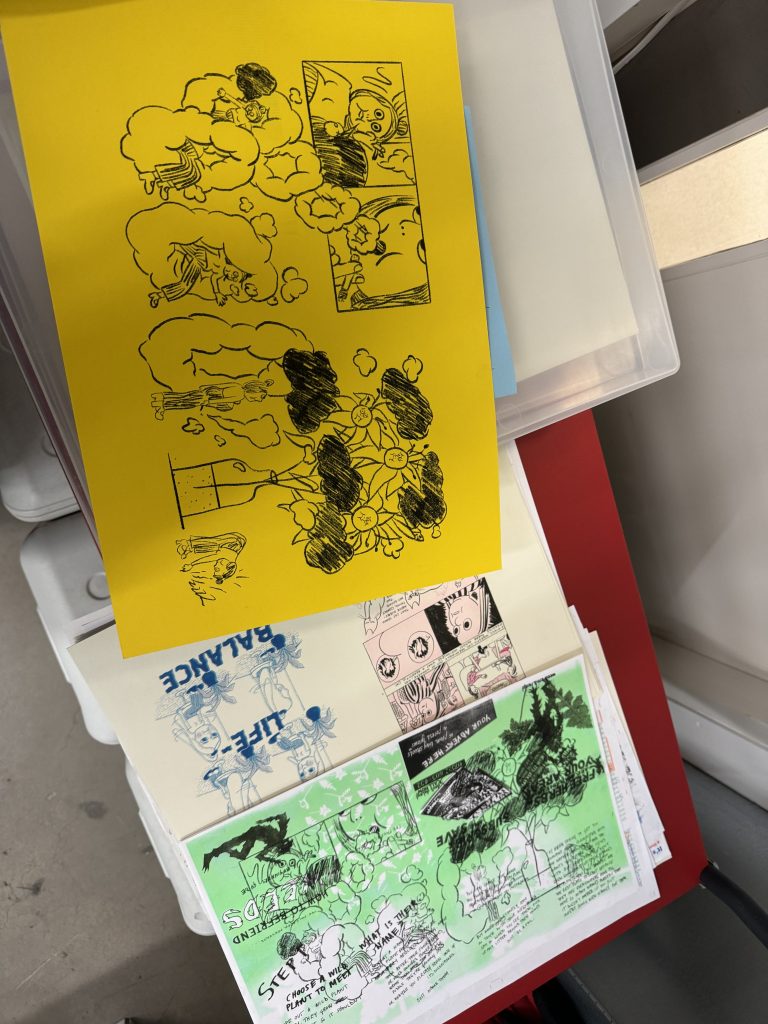
I try to print on different materials, different thicknesses, different colours of paper, which found that, for different thicknesses of paper, the position of the machine settings will be biased; for the coverage of different colours, light colours are difficult to print on dark backgrounds, the print order needs to be from light to dark
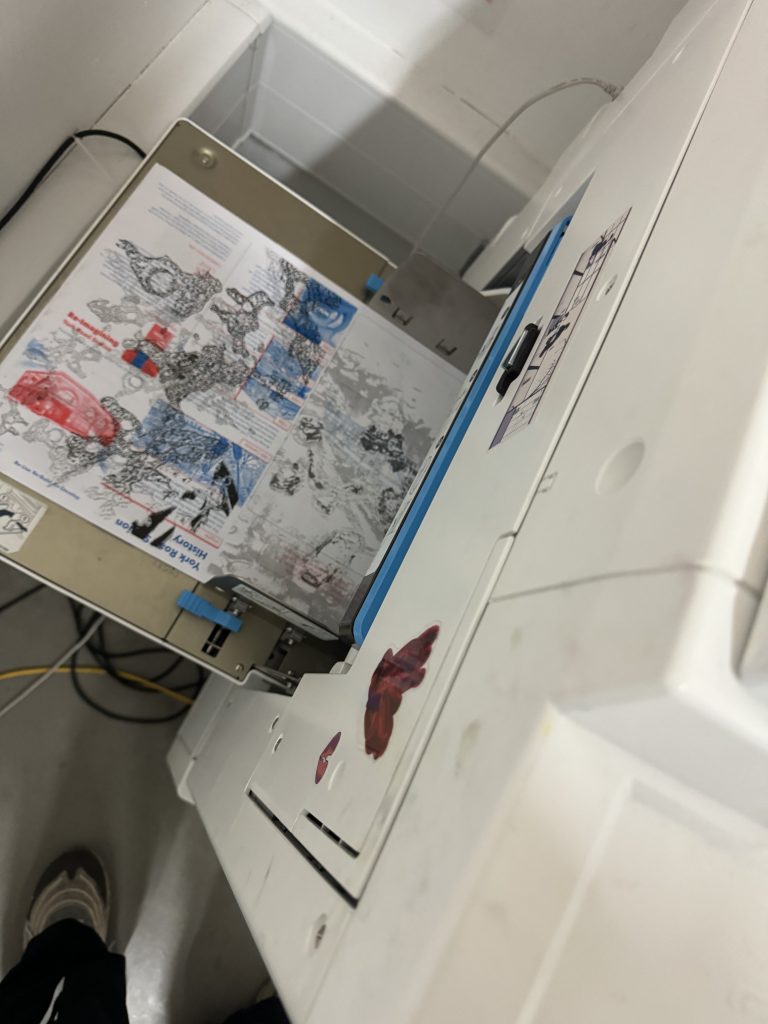
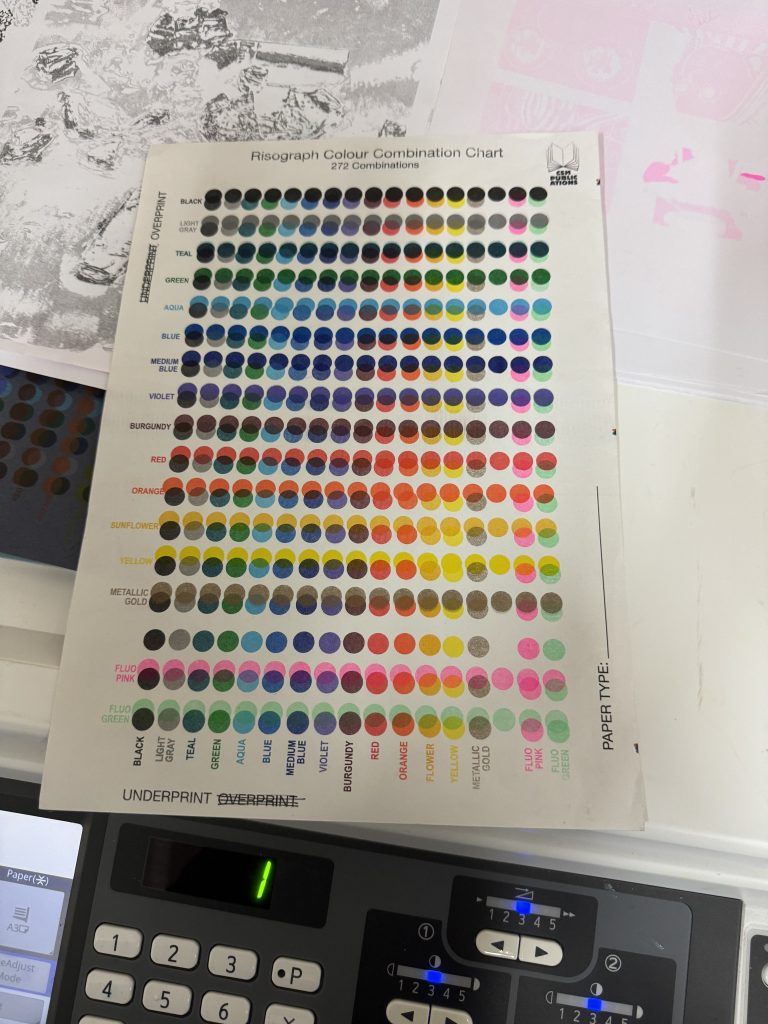
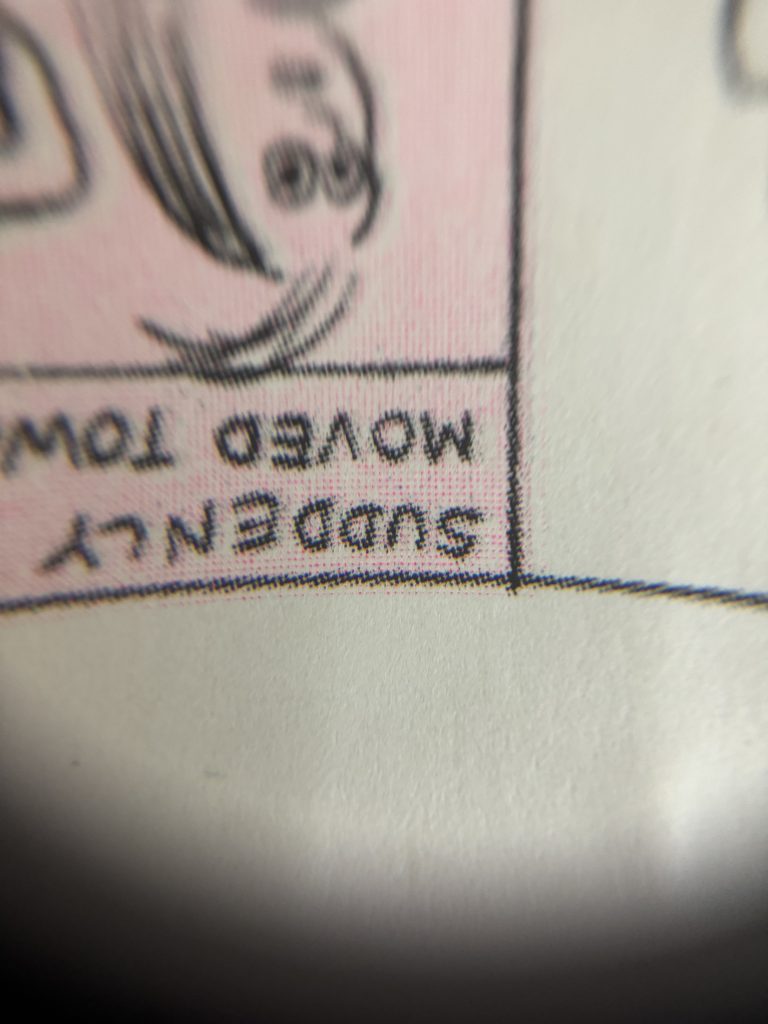
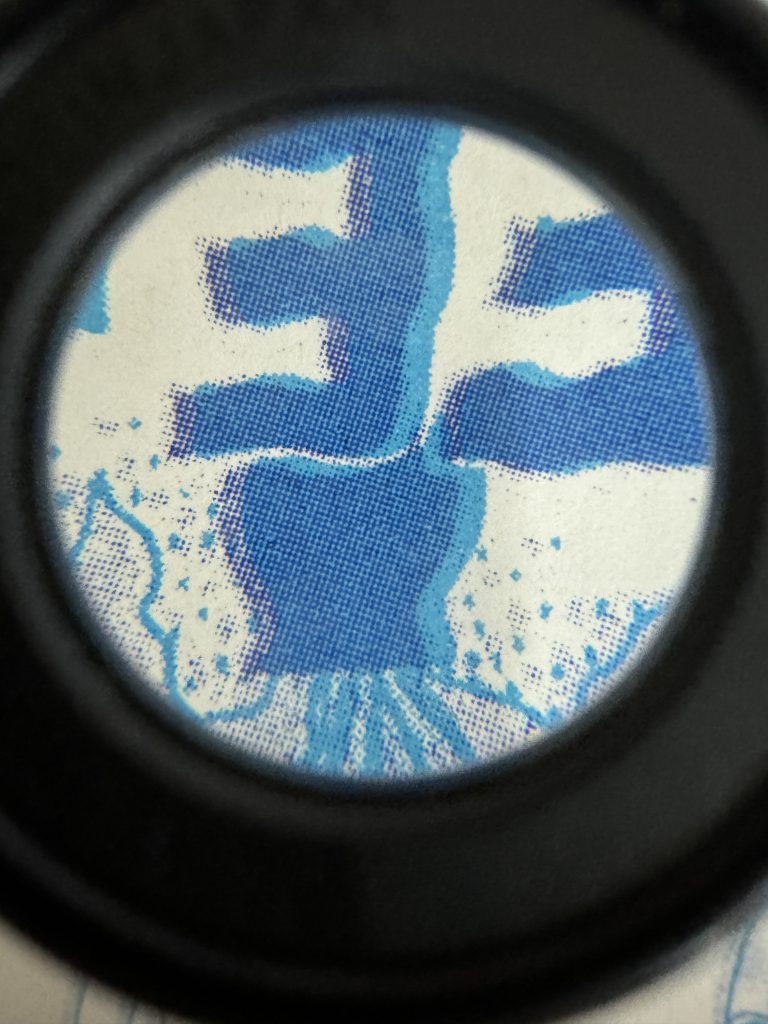
5. Under the observation of the magnifying glass, you can feel the inking mode of riso printer very well, you can also see some machine errors. There is no such thing as a perfect print, you can only adjust it as much as possible so that the physical picture doesn’t look like it has a big error.
The tutor of riso printing showed some block patterns to compare with the patterns I copied, explaining that ‘riso printer is better at printing block patterns, not good at linear patterns and some very detailed patterns, because there is no such thing as a perfect print’.